|
MakerLabs ACM
|


|
|
MakerLabs ACM
|
|
WebComponent which displays Users sheet columns as a dynamic form.
More...
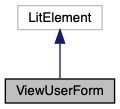
WebComponent which displays Users sheet columns as a dynamic form.
Emits reset-form event when Add User button is clicked.
Emits updated-user event when a new or existing user is saved.
Google Spreadsheet data is accessed via two different APIs:
Users sheet (inserting new rows and/or modifying data in existing rows)MakerLabs IDNameMakerLabs ID Public Member Functions | |
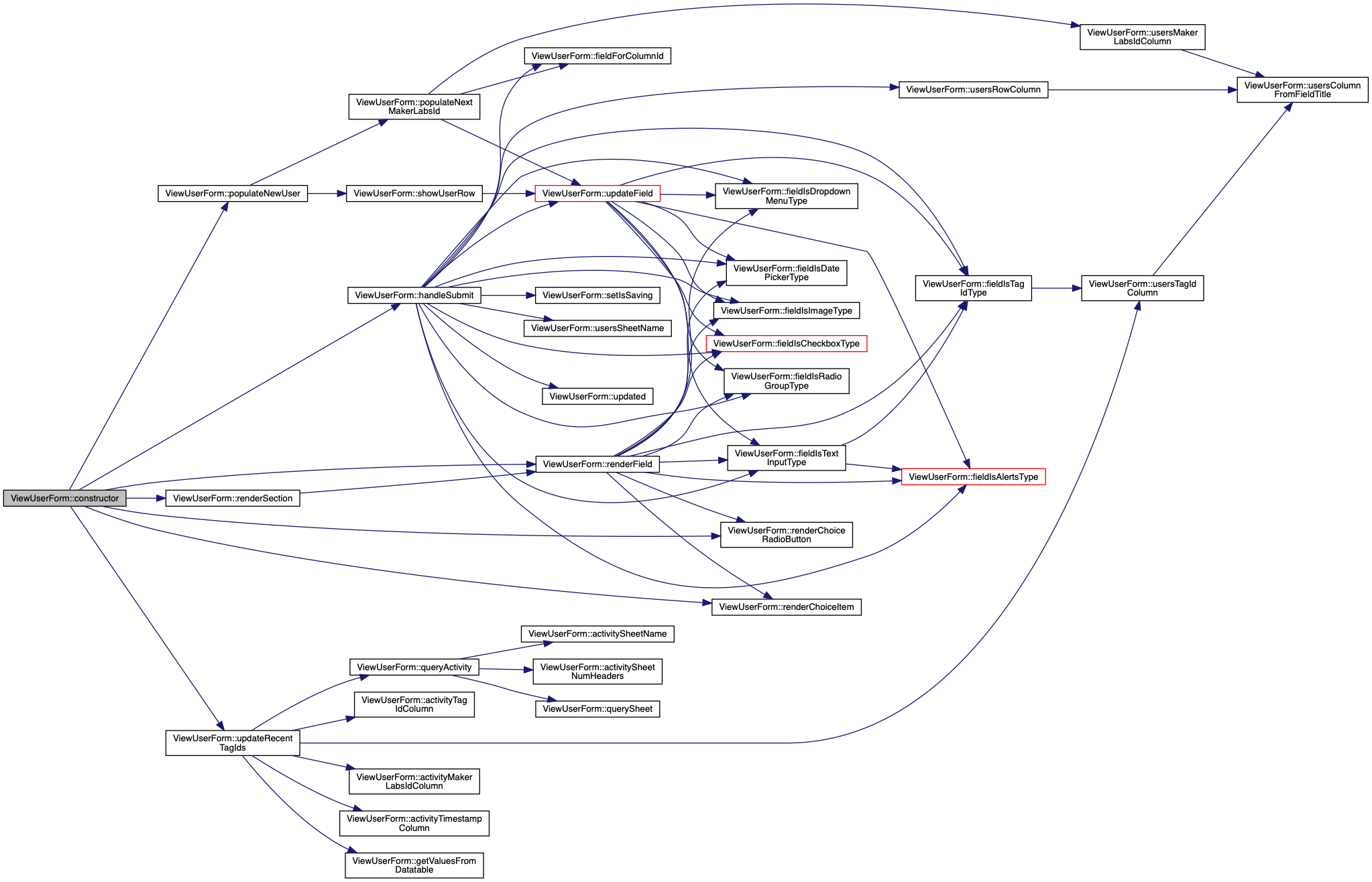
| constructor () | |
| updated (changedProperties) | |
| LitElement lifecycle hook. Called whenever the element's DOM has been updated and rendered. More... | |
| render () | |
| LitElement lifecycle hook. Re-rendered after any update(). More... | |
| renderSection (section) | |
| General method to render a collection of form fields in a "panel". More... | |
| renderField (field) | |
| General method to render any type of form field. More... | |
| renderChoiceRadioButton (choice) | |
Render a choice name as a <paper-radio-button> More... | |
| renderChoiceItem (choice) | |
Render a choice name as a <paper-item> More... | |
| get | usersSheetName () |
| Get the Google Spreadsheet user sheet name. More... | |
| get | usersSheetNumHeaders () |
| Get the Google Spreadsheet user sheet number of header rows. More... | |
| get | activitySheetName () |
| Get the Google Spreadsheet activity sheet name. More... | |
| get | activitySheetNumHeaders () |
| Get the Google Spreadsheet activity sheet number of header rows. More... | |
| get | hiddenSectionNames () |
| Get the list of section titles which will skip display on the form. More... | |
| get | usersRowColumn () |
| Get the column letter for the users sheet "Row" column. More... | |
| get | usersNameColumn () |
| Get the column letter for the users sheet "Name" column. More... | |
| get | usersEmailColumn () |
| Get the column letter for the users sheet "Email" column. More... | |
| get | usersMakerLabsIdColumn () |
| Get the column letter for the users sheet "MakerLabs ID" column. More... | |
| get | usersAlertsColumn () |
| Get the column letter for the users sheet "Alerts" column. More... | |
| get | usersTagIdColumn () |
| Get the column letter for the users sheet "Tag ID" column. More... | |
| get | activityTimestampColumn () |
| Get the column letter for the activity sheet "Timestamp" column. More... | |
| get | activityMachineIdColumn () |
| Get the column letter for the activity sheet "Machine ID" column. More... | |
| get | activityTypeColumn () |
| Get the column letter for the activity sheet "Activity Type" column. More... | |
| get | activityTagIdColumn () |
| Get the column letter for the activity sheet "Tag ID" column. More... | |
| get | activityMakerLabsIdColumn () |
| Get the column letter for the activity sheet "MakerLabs ID" column. More... | |
| sectionIsHidden (section) | |
| Check whether form field section should be hidden. More... | |
| fieldIsCheckboxType (field) | |
| Check whether form field should be rendered as a checkbox. More... | |
| fieldIsRadioGroupType (field) | |
| Check whether form field should be rendered as a radio group. More... | |
| fieldIsDropdownMenuType (field) | |
| Check whether form field should be rendered as a drop-down menu. More... | |
| fieldIsDatePickerType (field) | |
| Check whether form field should be rendered as a date-picker. More... | |
| fieldIsTextInputType (field) | |
| Check whether form field should be rendered as a text input. More... | |
| fieldIsAlertsType (field) | |
| Check whether form field should be rendered as a special-case "Alerts". More... | |
| fieldIsTagIdType (field) | |
| Check whether form field should be rendered as a special-case "Tag ID". More... | |
| fieldIsImageType (field) | |
| Check whether form field should be rendered as an image. More... | |
| usersColumnFromFieldTitle (prefixOrTitle, title) | |
| Determine column letter for column title (and optional section) More... | |
| async | handleUserNameChanged (newValue, oldValue) |
Property change handler for userName. More... | |
| async | firstUpdated (changedProperties) |
| LitElement lifecycle hook. Called after the element's DOM has been updated the first time, immediately before updated() is called. More... | |
| async | updateFormFromMostRecentScan () |
| Dynamically update the form when users are signing in to the selected machine. More... | |
| async | updateFormFromMakerLabsId (makerLabsId) |
Query for a specific MakerLabs ID and update the form with their details. More... | |
| async | updateRecentTagIds () |
Select the 5 most recently scanned Tag IDs in the last 2 minutes, update the Tag ID drop-down. More... | |
| getValuesFromDatatable (datatable, limit) | |
| Convert Google Spreadsheets Query result into JSON array. More... | |
| getFirstRowValuesFromDatatable (datatable) | |
| Extract the first row from a Google Visualization query result. More... | |
| isYesLike (s) | |
| Check whether a given string represents "yes" ("☑", "t", "y", etc) More... | |
| isNoLike (s) | |
| Check whether a given string represents "no" ("☐", "f", "n", etc) More... | |
| arraysEqual (a, b) | |
| Perform a shallow-compare of all array elements to check if they content equal contents for all elements. More... | |
| querySheet (sheetName, query, numHeaders=1) | |
| Perform a Google Visualization query on a specific sheet. More... | |
| queryUsers (query) | |
Query the Google Spreadsheet Users sheet. More... | |
| queryActivity (query) | |
Query the Google Spreadsheet Activity sheet. More... | |
| resetValues () | |
| Reset all form values to defaults / empty. More... | |
| populateNewUser () | |
Clear the form and populate the MakersLabs ID field with the next available version not used in the Google Spreadsheet Users sheet. More... | |
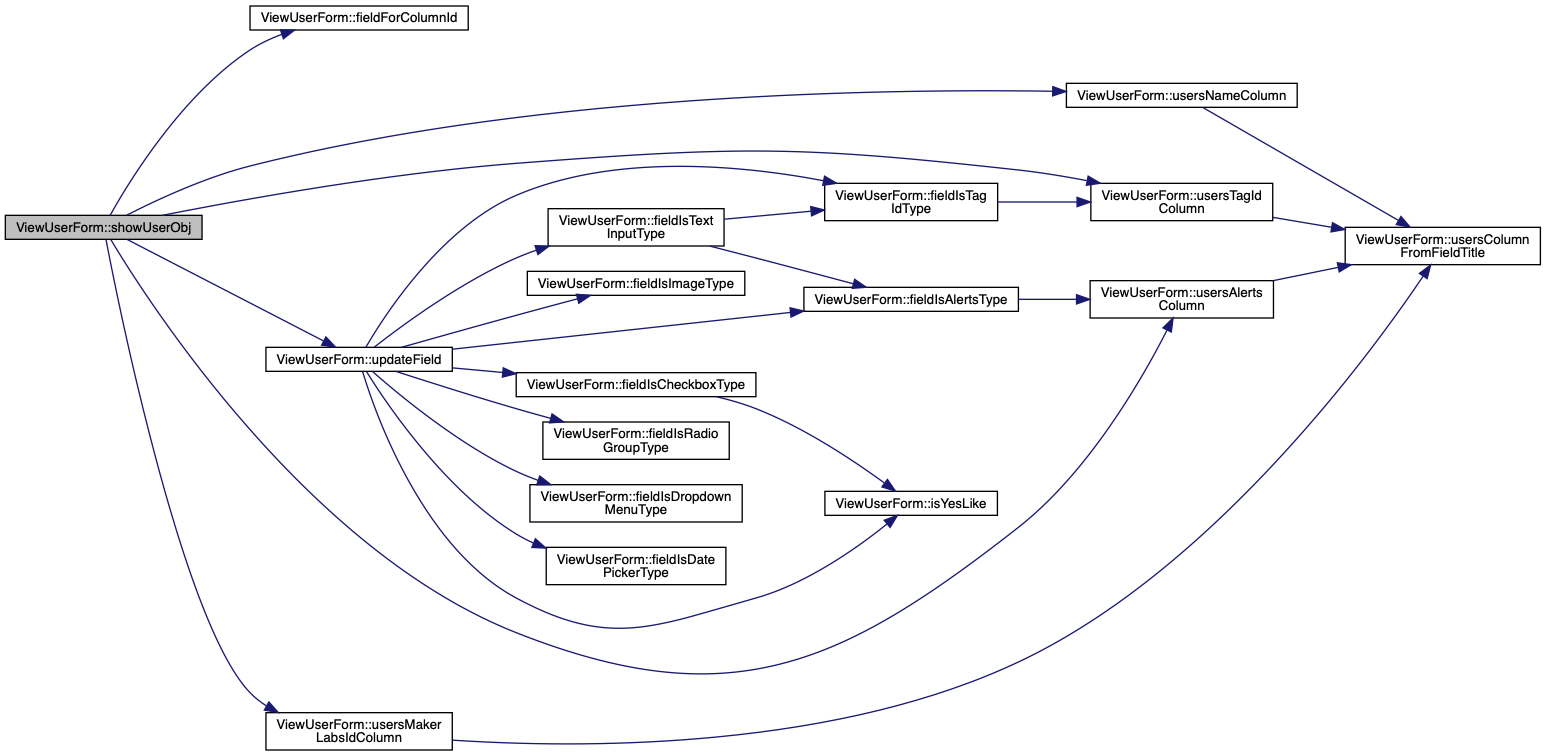
| showUserObj (user) | |
High-priority User fields update (e.g. real-time event from Firebase). More... | |
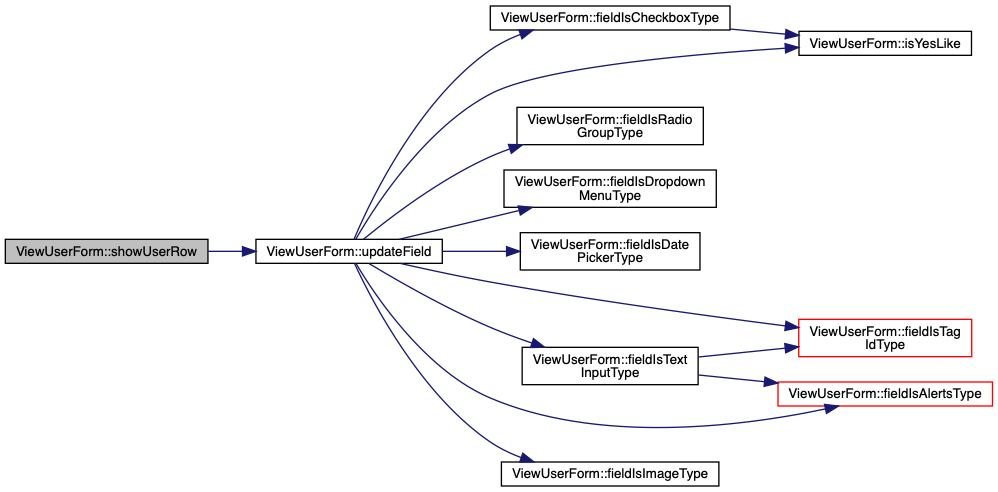
| showUserRow (data) | |
Display provided User details on form. More... | |
| updateField (field, val) | |
| Update the value for the provided field, and display the new value. More... | |
| fieldForColumnId (columnId) | |
| Extract the field metadata for the provided column letter. More... | |
| async | populateNextMakerLabsId () |
Request the next available MakerLabs ID for the Users sheet. More... | |
| async | setIsSaving (isSaving) |
| Disable form field inputs if new form data is still being saved. More... | |
| async | handleSubmit () |
| Handle submitting latest form data to Google Spreadsheet, replacing the data for an existing (matching) row, or inserting a new row. More... | |
Static Public Member Functions | |
| static get | properties () |
| WebComponent properties that can be used as HTML attributes. More... | |
|
inline |
Get the column letter for the activity sheet "Machine ID" column.
|
inline |
Get the column letter for the activity sheet "MakerLabs ID" column.
|
inline |
Get the Google Spreadsheet activity sheet name.
|
inline |
Get the Google Spreadsheet activity sheet number of header rows.
|
inline |
Get the column letter for the activity sheet "Tag ID" column.
|
inline |
Get the column letter for the activity sheet "Timestamp" column.
|
inline |
Get the column letter for the activity sheet "Activity Type" column.
|
inline |
Perform a shallow-compare of all array elements to check if they content equal contents for all elements.
| a | Array 1 |
| b | Array 2 |
True if the two arrays are equal.
|
inline |
|
inline |
Extract the field metadata for the provided column letter.
| columnId | Spreadsheet column letter |
|
inline |
Check whether form field should be rendered as a special-case "Alerts".
| field | Field metadata object. |
True if this field should be rendered with the Alerts widget. 
|
inline |
Check whether form field should be rendered as a checkbox.
| field | Field metadata object. |
True if this field should be rendered as a checkbox. 
|
inline |
Check whether form field should be rendered as a date-picker.
| field | Field metadata object. |
True if this field should be rendered as a date-picker.
|
inline |
Check whether form field should be rendered as a drop-down menu.
| field | Field metadata object. |
True if this field should be rendered as a drop-down menu.
|
inline |
Check whether form field should be rendered as an image.
| field | Field metadata object. |
True if this field should be rendered as an image.
|
inline |
Check whether form field should be rendered as a radio group.
| field | Field metadata object. |
True if this field should be rendered as a radio group.
|
inline |
Check whether form field should be rendered as a special-case "Tag ID".
| field | Field metadata object. |
True if this field should be rendered with the Tag ID widet. 
|
inline |
Check whether form field should be rendered as a text input.
| field | Field metadata object. |
True if this field should be rendered as a text input. 
|
inline |
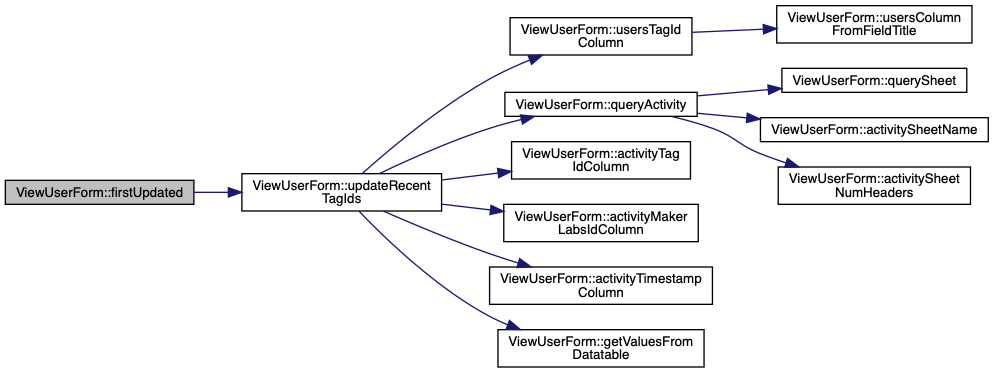
LitElement lifecycle hook. Called after the element's DOM has been updated the first time, immediately before updated() is called.
| changedProperties | JS Map containing properties which have changed |
|
inline |
Extract the first row from a Google Visualization query result.
| datatable | Google Visualization query result DataTable JSON |

|
inline |
Convert Google Spreadsheets Query result into JSON array.
| datatable | Google Visualisation query result DataTable JSON |
| limit | Only process the first limit rows (if provided) |
|
inline |
Handle submitting latest form data to Google Spreadsheet, replacing the data for an existing (matching) row, or inserting a new row.
MakerLabs ID, then:updated-user event with user field names and new values.updated-user event with user field names and new values 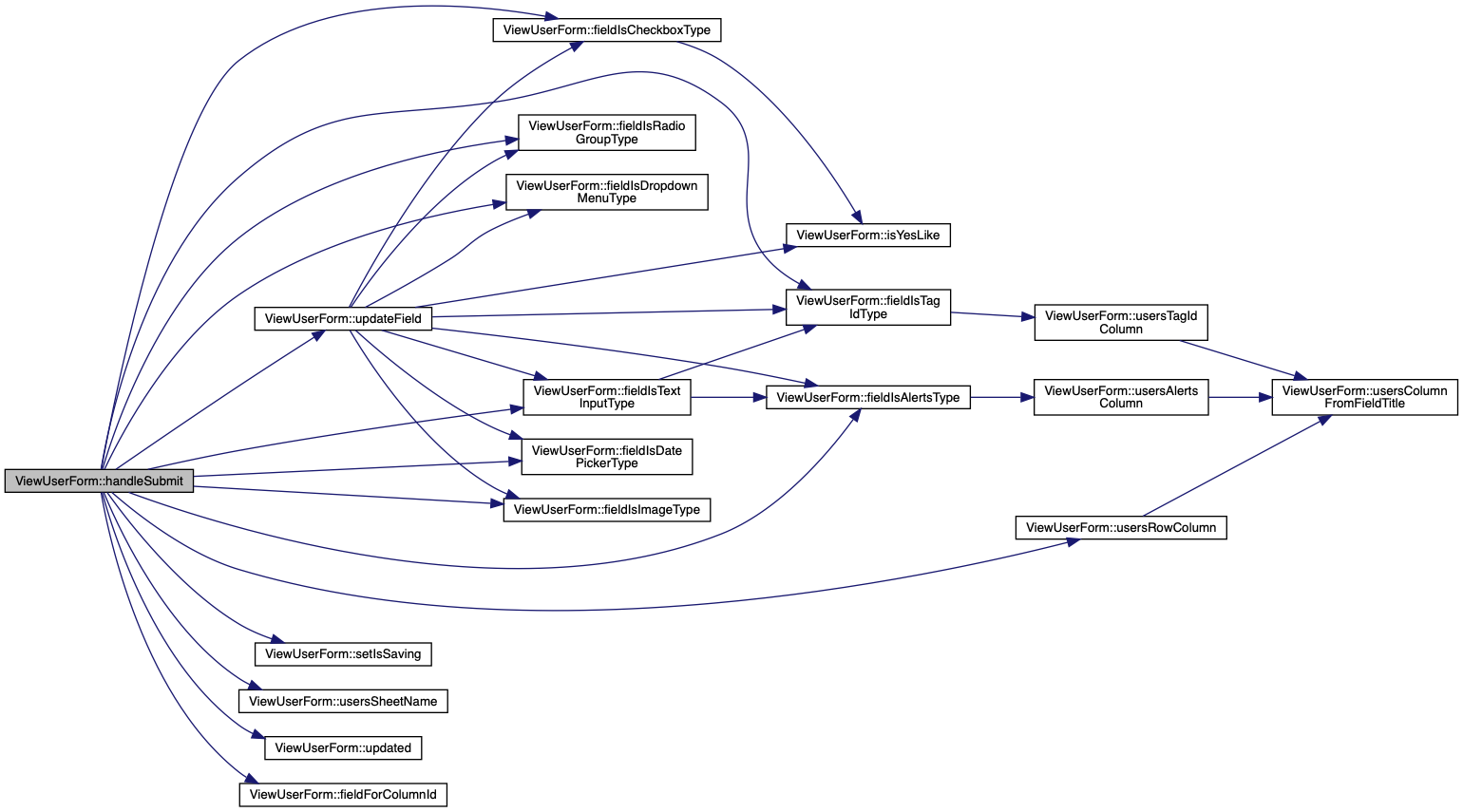
|
inline |
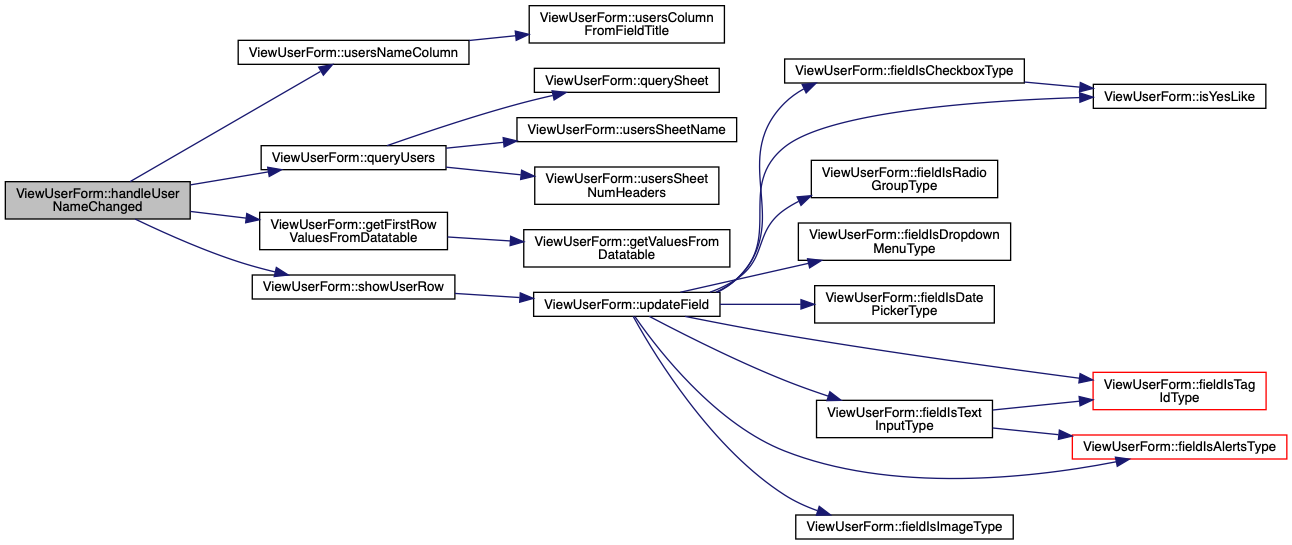
Property change handler for userName.
| newValue | New userName |
| oldValue | Previous (now outdated) userName |
Search for user by name (if already entered), display in form
|
inline |
Get the list of section titles which will skip display on the form.
|
inline |
Check whether a given string represents "no" ("☐", "f", "n", etc)
| s | Candidate input string |
True if the input represents "no".
|
inline |
Check whether a given string represents "yes" ("☑", "t", "y", etc)
| s | Candidate input string |
True if the input represents "yes".
|
inline |
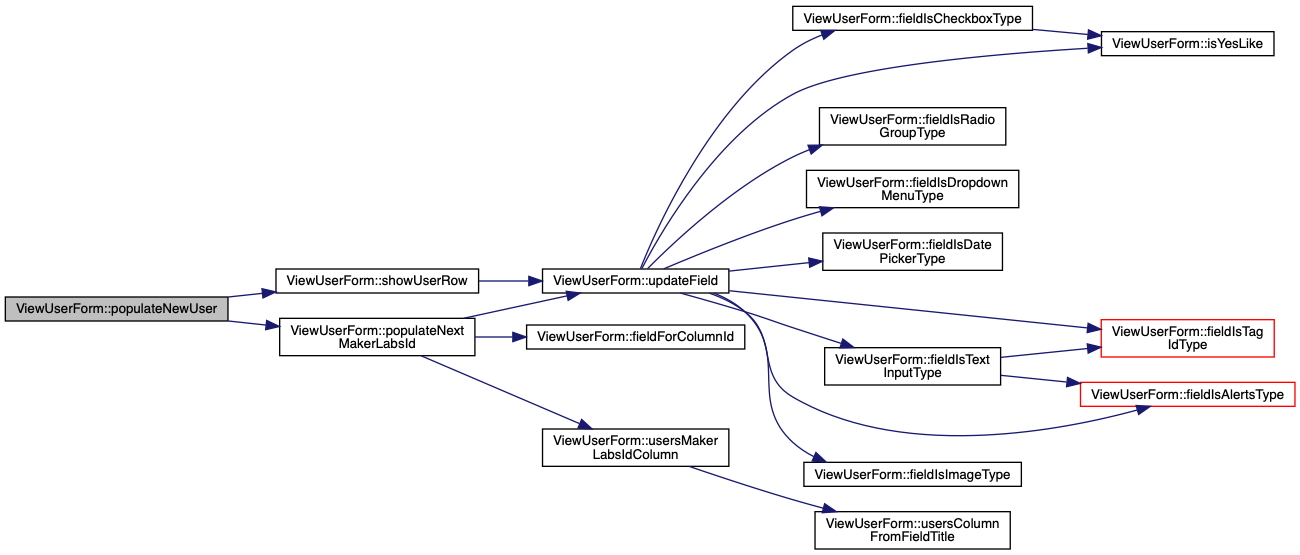
Clear the form and populate the MakersLabs ID field with the next available version not used in the Google Spreadsheet Users sheet.
|
inline |
Request the next available MakerLabs ID for the Users sheet.
MakerLabs ID string (ML___) 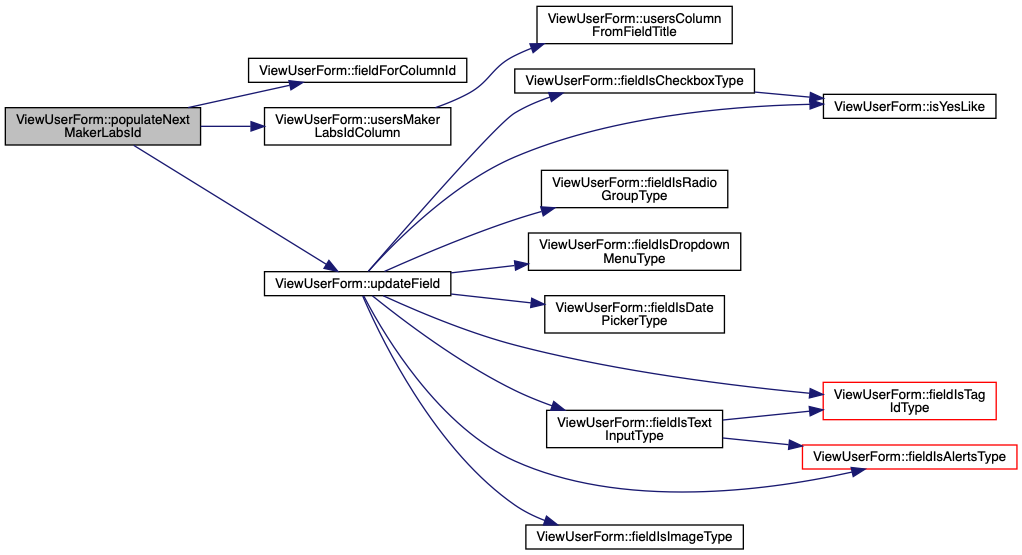
|
inlinestatic |
WebComponent properties that can be used as HTML attributes.
| sheetId | Google Apps Sheet ID |
| nextMakerLabsIdUrl | URL for endpoint which returns next MakerLabs ID (ML___) |
| machineId | Currently selected machine ID (e.g. Front Desk) |
| accessToken | OAuth access token (time-limited) for accessing Google and Firebase services on behalf of the logged-in user |
| fields | Form fields JSON (obtained by querying Users Sheet Columns) |
| userName | User name of currently selected user |
| query | Optional user name to load into form immediately upon loading page |
| defaultPhotoUrl | Default URL for placeholder image to use for Maker without a profile image |
| profilePhotosFolderId | Google Drive folder ID where new Maker profile images should be uploaded |
|
inline |
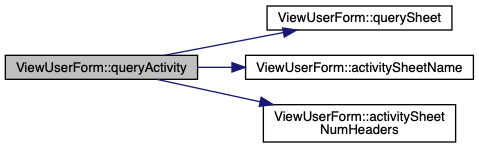
Query the Google Spreadsheet Activity sheet.
| query | Text to use as Google Visualization query |
|
inline |
Perform a Google Visualization query on a specific sheet.
| sheetName | Specific sheet name of Google Spreadsheet |
| query | Text to use as Google Visualization query |
| numHeaders | Number of header rows used in the target sheet |
|
inline |
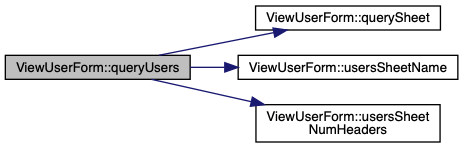
Query the Google Spreadsheet Users sheet.
| query | Text to use as Google Visualization query |
|
inline |
LitElement lifecycle hook. Re-rendered after any update().
html`` literal, containing desired DOM state. 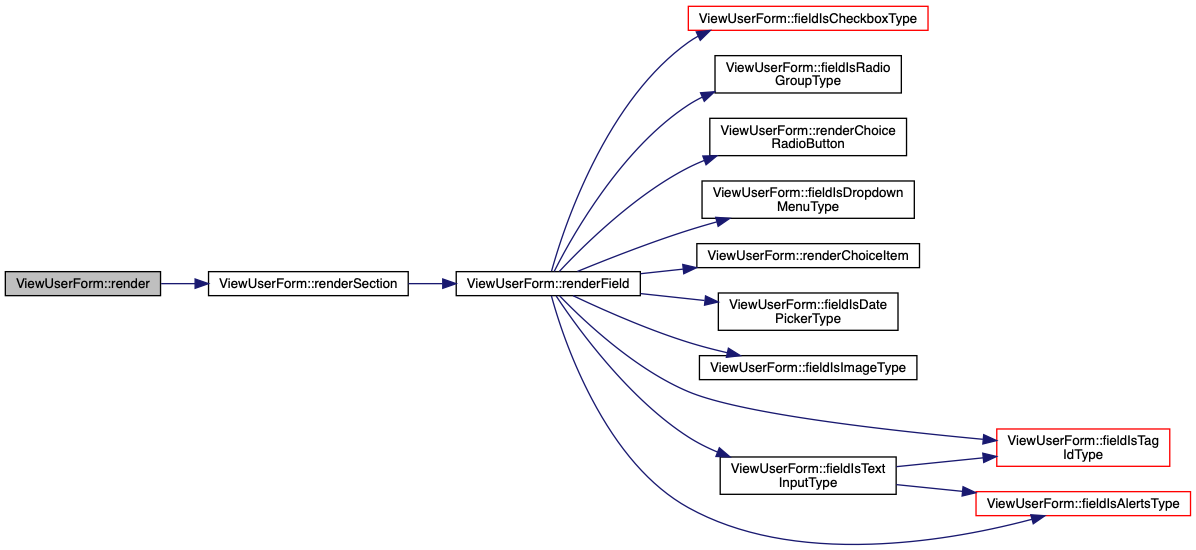
|
inline |
Render a choice name as a <paper-item>
| choice | String name of choice. |
|
inline |
Render a choice name as a <paper-radio-button>
| choice | String name of choice. |
|
inline |
General method to render any type of form field.
| field | Object representing a specific type of form field, its metadata will be used to determine how to render it. |
Different types of form fields supported:
Alerts column with red highlightTag ID column with recent tags drop-down. 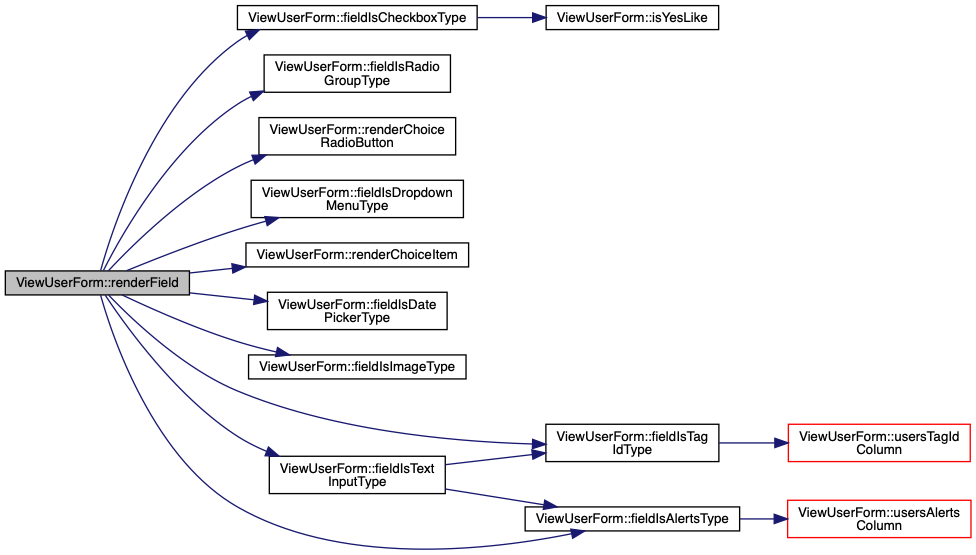
|
inline |
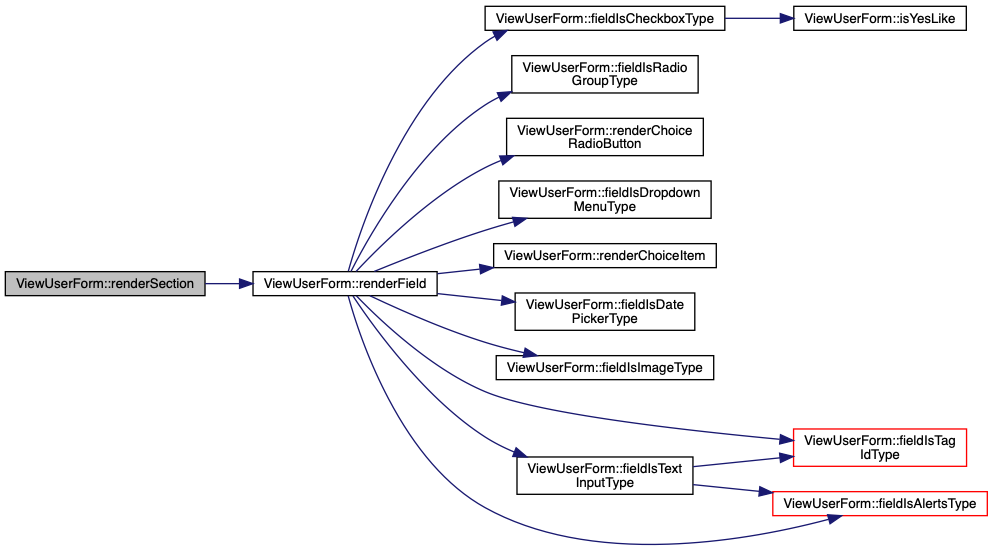
General method to render a collection of form fields in a "panel".
| section | Object with a title and array of fields[]. |
|
inline |
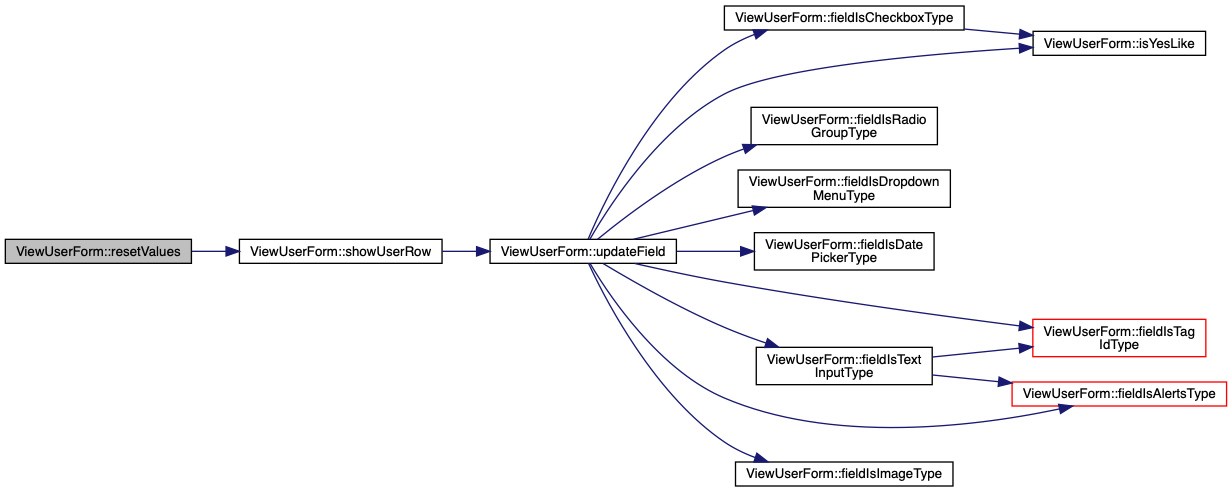
Reset all form values to defaults / empty.
|
inline |
Check whether form field section should be hidden.
| section | Object representing the section and its fields |
True if the section title matches an well-known value to hide. 
|
inline |
Disable form field inputs if new form data is still being saved.
| isSaving | Boolean whether form fields should be disabled. |
|
inline |
|
inline |
|
inline |
LitElement lifecycle hook. Called whenever the element's DOM has been updated and rendered.
| changedProperties | JS Map containing properties which have changed |
If the fields property has changed and is non-empty:
vaadin-date-picker elements, force them to be yyyy-mm-dd
|
inline |
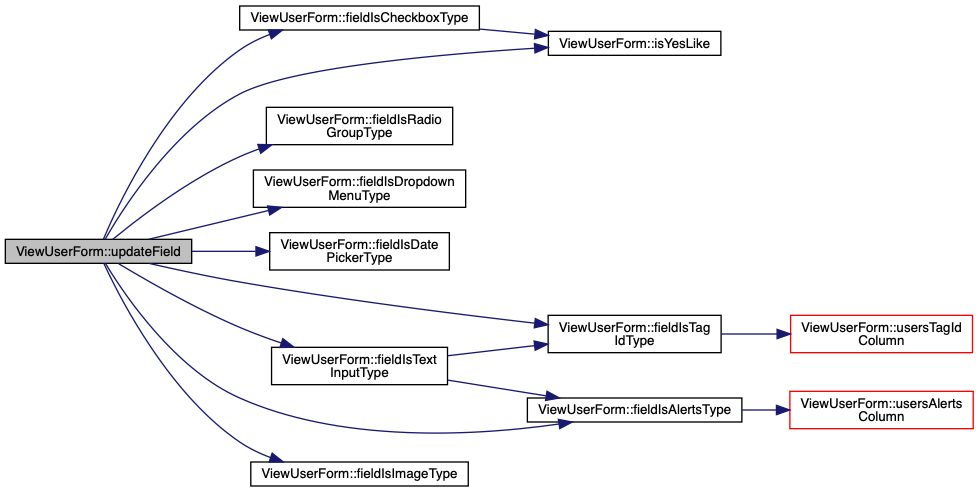
Update the value for the provided field, and display the new value.
| field | Field metadata |
| val | New value for field |
|
inline |
Query for a specific MakerLabs ID and update the form with their details.
| makerLabsId | MakerLabs ID string (ML___) |
True if a matching user row was returned. 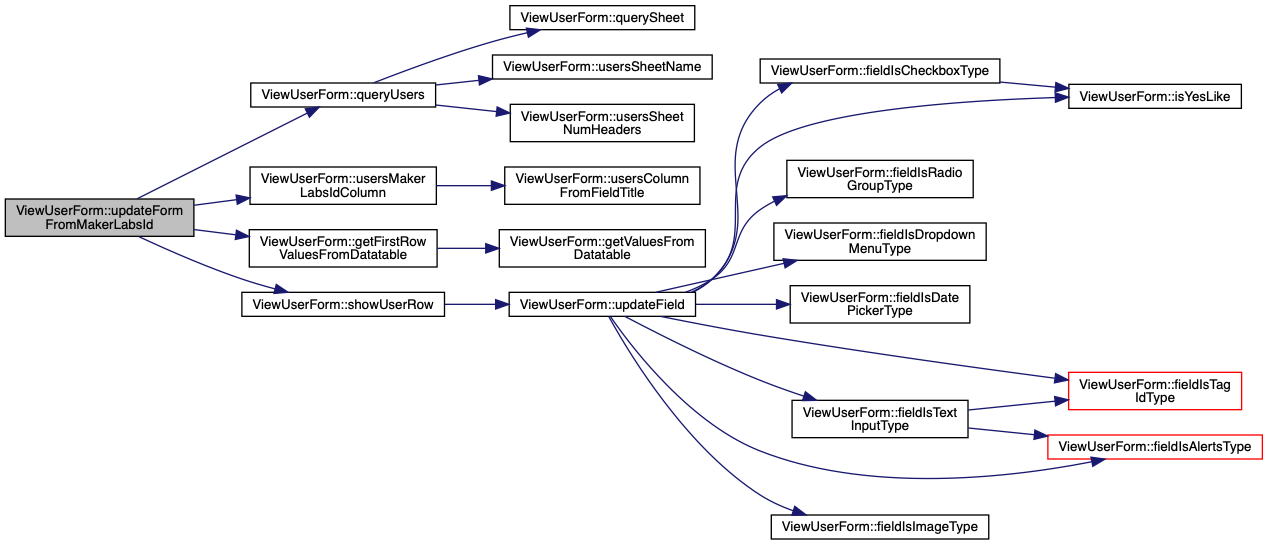
|
inline |
Dynamically update the form when users are signing in to the selected machine.
Signed_In activity on the currently selected machineIdMakerLabs ID field is present and non-emptyMakerLabs ID 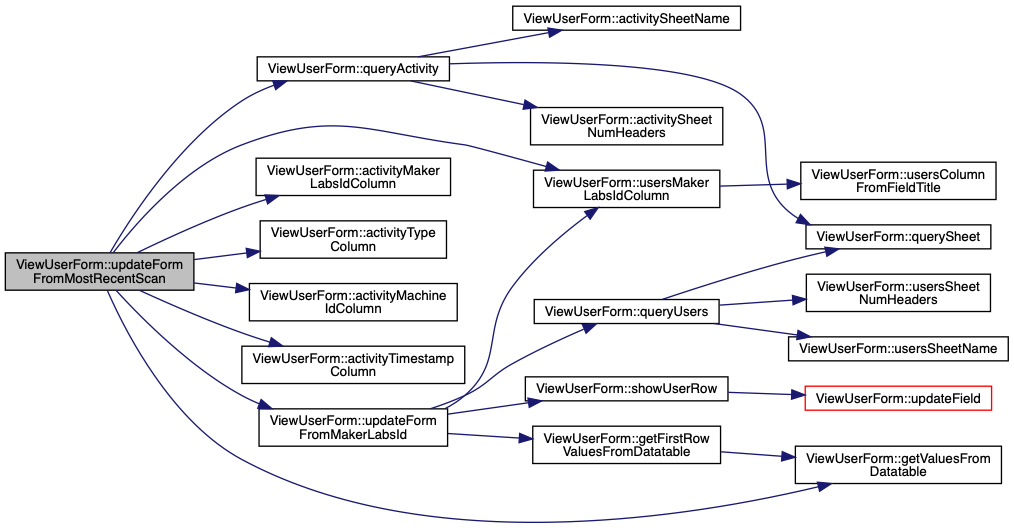
|
inline |
Select the 5 most recently scanned Tag IDs in the last 2 minutes, update the Tag ID drop-down.
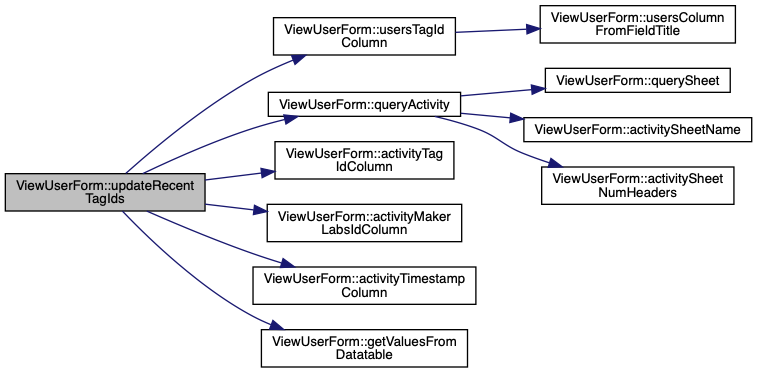
|
inline |
Get the column letter for the users sheet "Alerts" column.

|
inline |
Determine column letter for column title (and optional section)
| prefixOrTitle | Section title (Row 1) |
| title | Field title (Row 2) |
|
inline |
Get the column letter for the users sheet "Email" column.

|
inline |
Get the column letter for the users sheet "MakerLabs ID" column.

|
inline |
Get the column letter for the users sheet "Name" column.

|
inline |
Get the column letter for the users sheet "Row" column.

|
inline |
Get the Google Spreadsheet user sheet name.
|
inline |
Get the Google Spreadsheet user sheet number of header rows.
|
inline |
Get the column letter for the users sheet "Tag ID" column.